
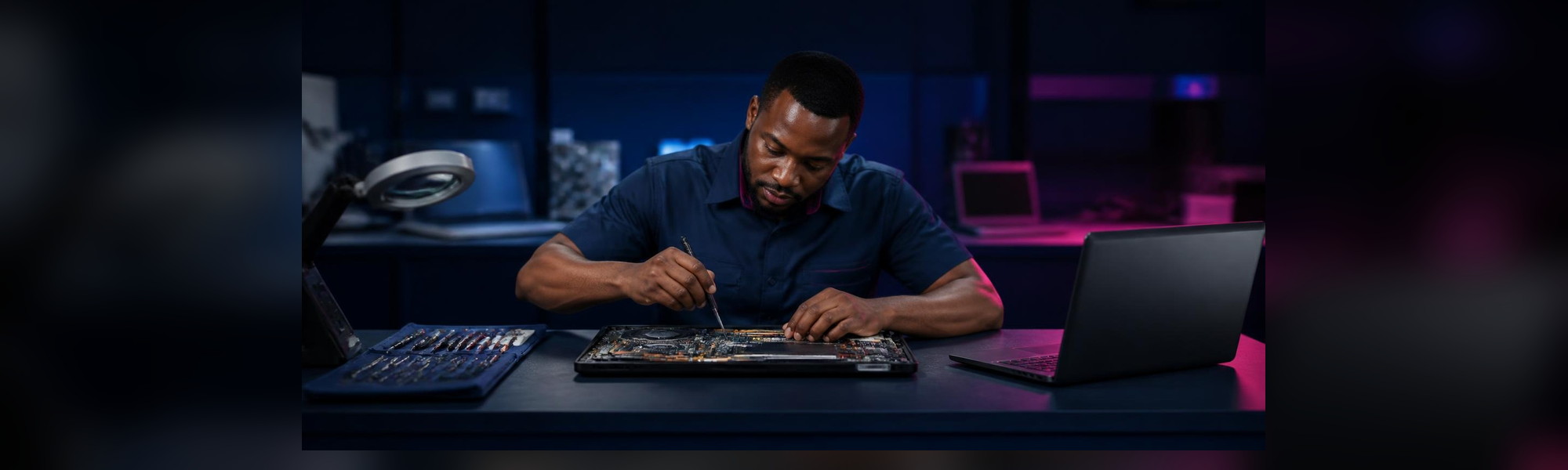
Signs Your Laptop Needs Repair (and What to Do)
Most laptop problems don’t start suddenly. They usually give warning signs first: a little extra heat, a battery that drains faster than before, a key that sticks now and then. If you notice these signs early and act quickly, you can often save your data, avoid bigger damage and keep your laptop working for longer. Here are the common signs your laptop needs repair, and what you should do about each one.
1. Your laptop is overheating
Laptops get warm, but if yours becomes very hot, the fan is always loud, or the laptop shuts down on its own, something is wrong. Dust inside the vents, a weak fan or dried thermal paste are common causes, especially in our hot and dusty weather.
What to do: Use the laptop on a hard, flat surface, not on a bed or pillow, and keep the vents clear. If the heat continues, bring it in for overheating repair before it damages other parts.
2. The battery drains fast or won’t charge
If your laptop only works when plugged in, the battery percentage jumps up and down, or the battery looks swollen, the battery is likely worn out. A swollen battery can push up the keyboard or touchpad and should be handled quickly.
What to do: Stop using a swollen battery and bring the laptop in. For a weak battery, a laptop battery replacement is usually the fix.
3. The laptop won’t charge, or charges only at an angle
If you have to hold or bend the charger cable before it charges, the problem may be the charger, or a loose or damaged charging port.
What to do: Try another compatible charger if you can. If that doesn’t help, it may need charging port repair. Don’t keep forcing the cable, as this can make the damage worse.
4. Very slow performance
A laptop that takes forever to start, freezes often or struggles to open simple programs may have an ageing hard drive, too little RAM, or software issues.
What to do: Close programs you aren’t using and restart regularly. If it is still slow, an SSD and RAM upgrade can make an older laptop feel much faster.
5. Screen problems
Lines on the display, flickering, dark patches, a cracked panel or a blank screen while the laptop is clearly on are all signs of screen or display cable problems.
What to do: Connect the laptop to an external monitor or TV to check if the laptop itself is working. Then consider a laptop screen replacement.
6. Keyboard keys not working
Keys that stick, type twice or don’t respond at all usually point to a worn or damaged keyboard, sometimes from dust or a spill.
What to do: An external USB keyboard can keep you going for now, but a keyboard replacement is the proper fix.
7. Loose or broken hinges
If the screen wobbles, won’t stay up, or you hear cracking when you open the lid, the hinges may be loose or broken. Ignoring this can crack the casing or damage the screen cable.
What to do: Open and close the lid gently from the centre, and book a hinge repair as soon as possible.
8. You spilled liquid on it
Water, tea, soft drinks and other liquids can cause serious damage, sometimes days after the spill.
What to do: Switch the laptop off immediately, unplug it, remove the battery if you can, and don’t try to turn it on to “check”. Bring it in for liquid damage repair as quickly as you can.
9. It won’t turn on at all
If your laptop shows no lights or signs of life even with a working charger, the issue could be power-related or a motherboard fault.
What to do: Don’t keep trying random fixes. A proper laptop diagnosis will find the cause, and if needed, we offer motherboard repair.
Protect your data first
Whatever the problem, back up your important files as soon as you notice warning signs. Use an external drive or cloud storage. If your laptop has already failed and you can’t reach your files, our data recovery service may be able to help.
Why choose Simplus for laptop repair in Enugu
- We have been repairing laptops in Enugu since 2006.
- Our repairs, parts and batteries come with a 30-day warranty (excluding screen, drops and liquid spills).
- You can pay by cash, POS or transfer in our office.
- Our shop is easy to find at 76 Zik Avenue, Uwani, Enugu.
For repair prices, WhatsApp us for a quote. See all our repair services.
Frequently Asked Questions
How much does laptop repair cost in Enugu?
It depends on the fault and the parts needed. We prefer to check the laptop first so we can give you an accurate figure. WhatsApp us on 0803 348 5885 for a quote.
Do your repairs come with a warranty?
Yes. Our repairs, parts and batteries come with a 30-day warranty. The warranty does not cover the screen, drops or liquid spills.
When is your repair shop open?
We are open Monday to Saturday, 9:00am to 5:30pm, and closed on Sunday. You can also call 0808 338 3361 or email info@simplustech.com.
Get Your Laptop Fixed Today
Don’t wait for a small problem to become a big one. For trusted laptop repair in Enugu, WhatsApp Simplus on 0803 348 5885 or visit us at 76 Zik Avenue, Uwani, Enugu.